
STORYBOARDS & PROMPTS

A starting point for your next scene.

Free video storyboard templates with shot directions and prompts you can copy. Start with a scene below, then make it your own in an external video tool.

Read and copy without an account. Filtora does not upload photos or generate videos on these pages.

AI crying template storyboard sketch — The Look, an adult facing the camera with a slight smile

The Look

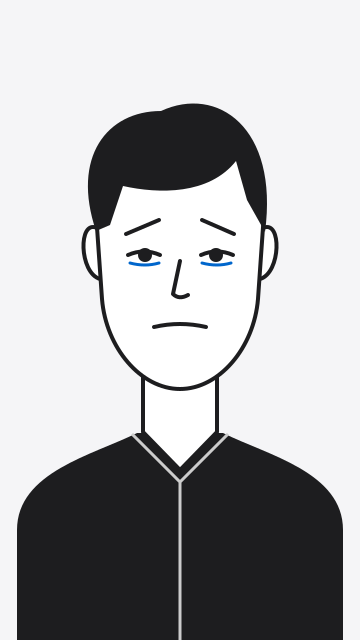
AI crying template storyboard sketch — The Break, a fading smile and raised inner eyebrows

The Break

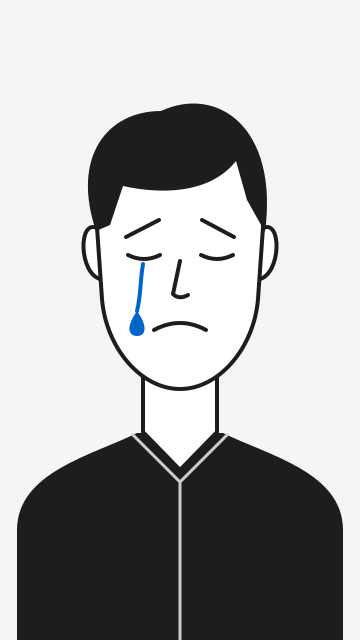
AI crying template storyboard sketch — The Tears, a tear on one cheek and a held sad expression

The Tears

Storyboard illustrations, not generated video frames.

1 STORYBOARD · 3 BEATS · 4 COPYABLE PROMPTS

The crying template.

A quiet look. A fading smile. A single tear. Plan a fictional emotional performance with a complete prompt and a separate direction for each beat.

8-second target · 9:16 vertical · Written guide

Open the crying storyboard

Timing and results depend on your chosen tool. This is a shot plan, not a downloadable project file or a tested model preset.

From a prompt to your own edit.

  1. 1. Read the shot plan.

    Explore the illustrated beats, framing and timing. Use the complete prompt for a continuous scene or a single beat for a shorter shot.

  2. 2. Copy and adapt.

    Copy the visible text and adjust it for your external video tool. Review its costs and privacy terms before uploading an authorized photo there.

  3. 3. Review the result.

    Check motion and continuity, then trim your clip. Use consenting adults and label the performance as AI-generated and fictional when sharing.

Working with a still photo?

Try the 2000s and Y2K camera looks, or crop and adjust your photo in the Y2K editor. These tools run on your device.

Explore photo filters →