
YOUR PHOTO. YOUR Y2K.
Y2K Photo Editor — Free Online Editor
Make the early-2000s look your own. Dial in flash, grain and color. Crop, rotate and keep the moment.
Free · No sign up · No watermark · No app to install
Your photo never leaves your device.
Drag & drop, paste, or browse — JPG, PNG, WebP, up to 10 MB.
Compare your edit with the same crop of your original. Drag the divider or use its arrow keys.
Processed on your device — your photo never leaves your browser. No watermark. Downloads up to 4096 pixels on the longest side, depending on your device. Transparent areas are placed on white before the filter is applied. PNG downloads are opaque too.
A little flash. A different feeling.
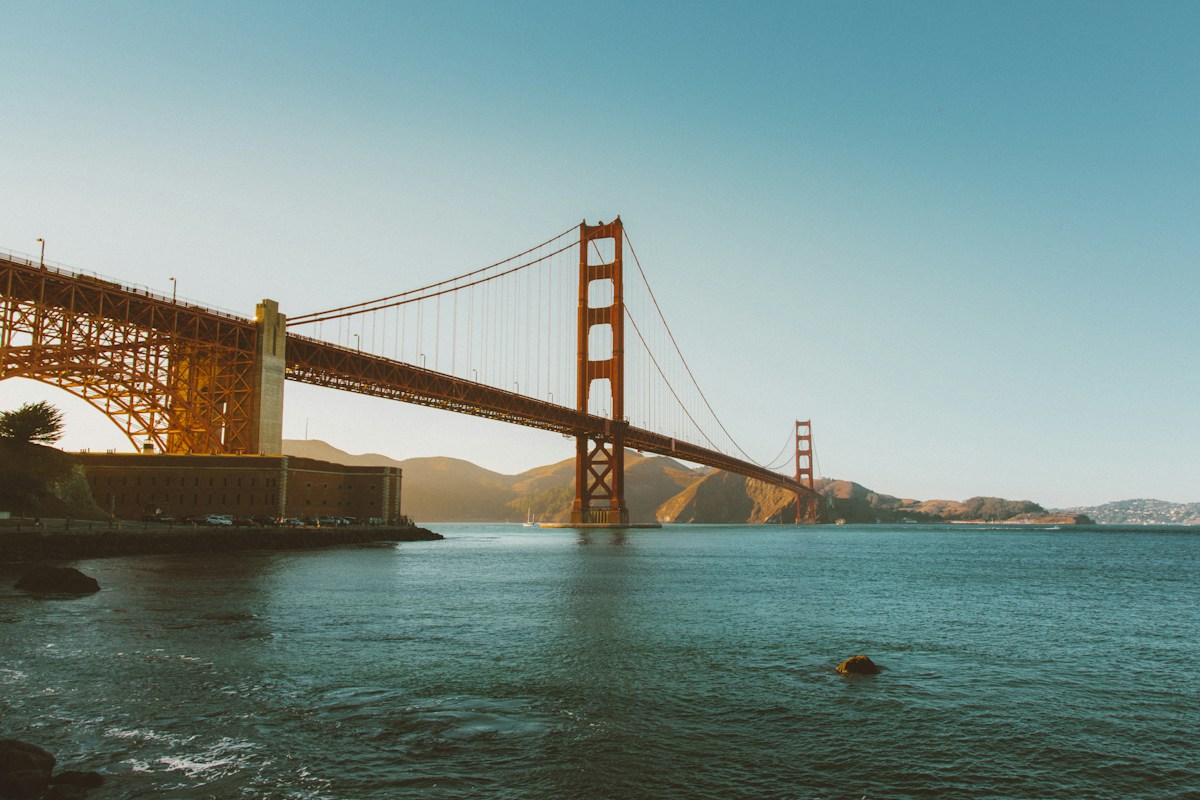
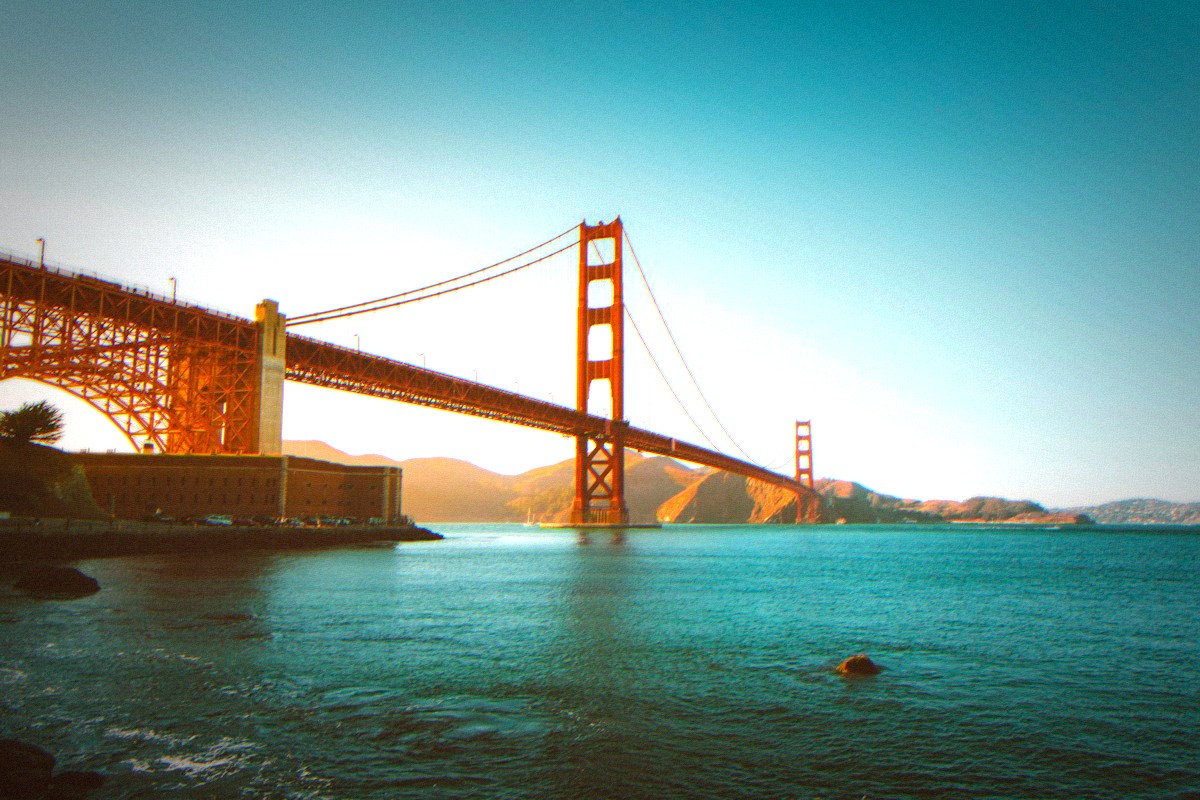
The real Classic look with Flash on. Use the same sample in the editor to make it yours.
From photo to finished.
- 1
Choose a photo
Upload a JPG, PNG or WebP up to 10 MB, or try the sample.
- 2
Set the mood
Choose Light, Classic or Heavy. Add flash and tune the grain.
- 3
Make it yours
Crop, rotate and adjust color. Undo or redo as you explore.
- 4
Keep your edit
Choose a download size and save a JPG or PNG with no watermark. Up to 4096 pixels on the longest side.
Y2K Photo Editor Online — No App to Download
Open the page, choose a photo and start shaping the look. There is no app store visit, installation or account between you and your first edit. Try the sample before choosing a personal photo. Each control updates the preview in your browser, and the comparison divider lets you see what changed. When the result feels right, download a JPG for everyday sharing or a PNG. Keep the page open until your download is ready: edits stay in this session and are cleared when you leave or reload.
Edit, Don't Just Filter
A starting look is only the beginning. Bring the brightness down, soften the contrast or pull back the color while keeping a hint of grain. Choose a square for a profile photo, a portrait frame or a tall story crop, then move the framing to keep your subject in view. Rotate and mirror from the same panel. Undo and redo let you explore without building changes permanently into the image. Reset edits returns to the Classic starting point, and you can undo that reset too.
What the Y2K Look Includes
Think vivid color, bright simulated direct flash and the slightly imperfect texture of an early digital camera. Light, Classic and Heavy change the balance of color shift, faded shadows, softness and grain. Flash adds a brighter center and more glow over that base. The grain slider scales both fine texture and color noise, so you can keep the color with a cleaner finish or turn up the texture. Brightness, contrast and saturation are separate adjustments. They stay where you set them when you switch the starting strength.
Instant and Private
Your selected photo stays on your device from the first preview to the exported file. Editing uses your browser's graphics support, with no image upload to a server and no generation queue. Cropping and rotation always start from the loaded original, so repeated edits do not repeatedly compress your picture. Large photos are resized to fit the device's graphics limit, with a maximum of 4096 pixels on the longest side. A crop can make the final dimensions smaller. Download the finished image before closing your editing session.
Made for Phone and Desktop
The controls fit small screens and support keyboard navigation on desktop. Use the labeled sliders to fine-tune an adjustment, then move the comparison divider to inspect the result. On a phone, choose a compatible image from your file picker; HEIC images need conversion to JPG, PNG or WebP first. A browser with WebGL support is required, and processing speed depends on the device. Your export goes to the browser's download destination, which may be a Downloads folder rather than the camera roll. You can share the saved file from there.