
Y2K Filter — Free Online Photo Effect
Give any photo the early-2000s look — direct flash, faded colors, grain and that slightly over-saturated digital camera vibe. Free, instant, right in your browser.
Free · No sign up · No watermark · No app to install · Your photo never leaves your device
Drag & drop, paste, or browse — JPG, PNG, WebP, up to 10 MB.
Processed on your device — your photo never leaves your browser. No watermark. Downloads up to 4096 pixels on the longest side, depending on your device.
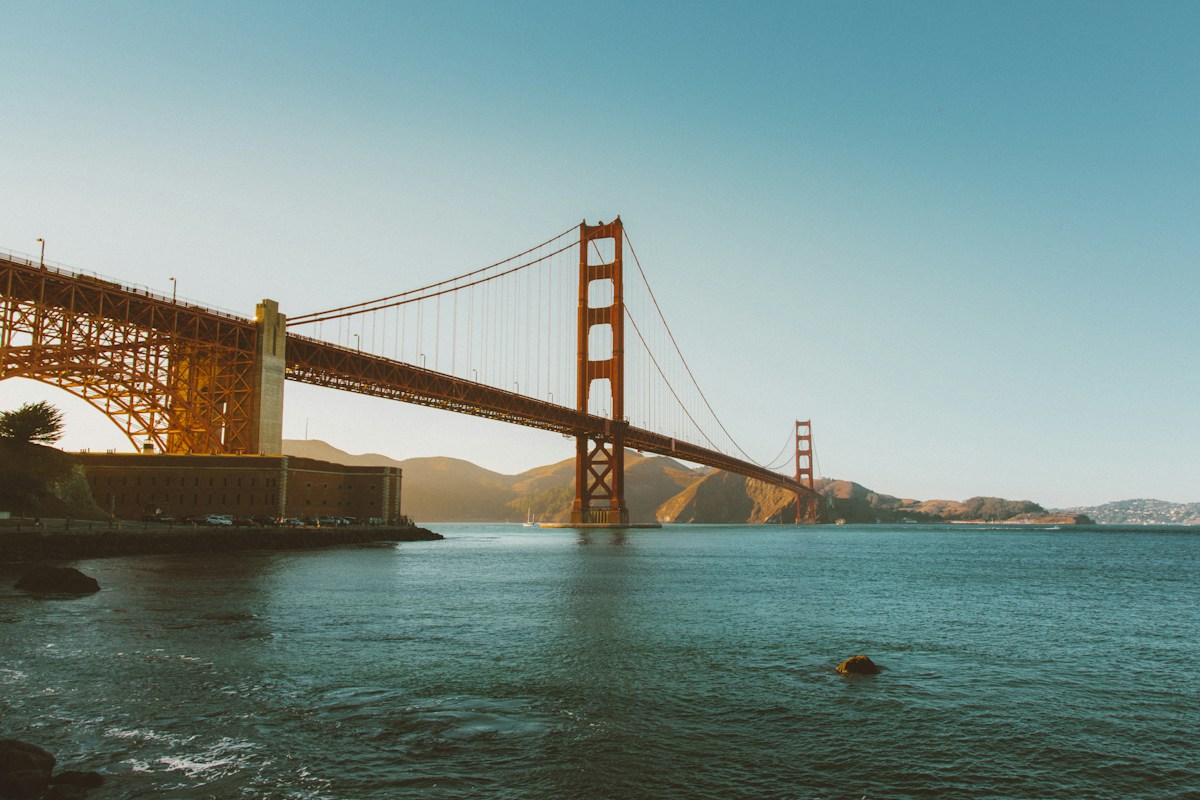
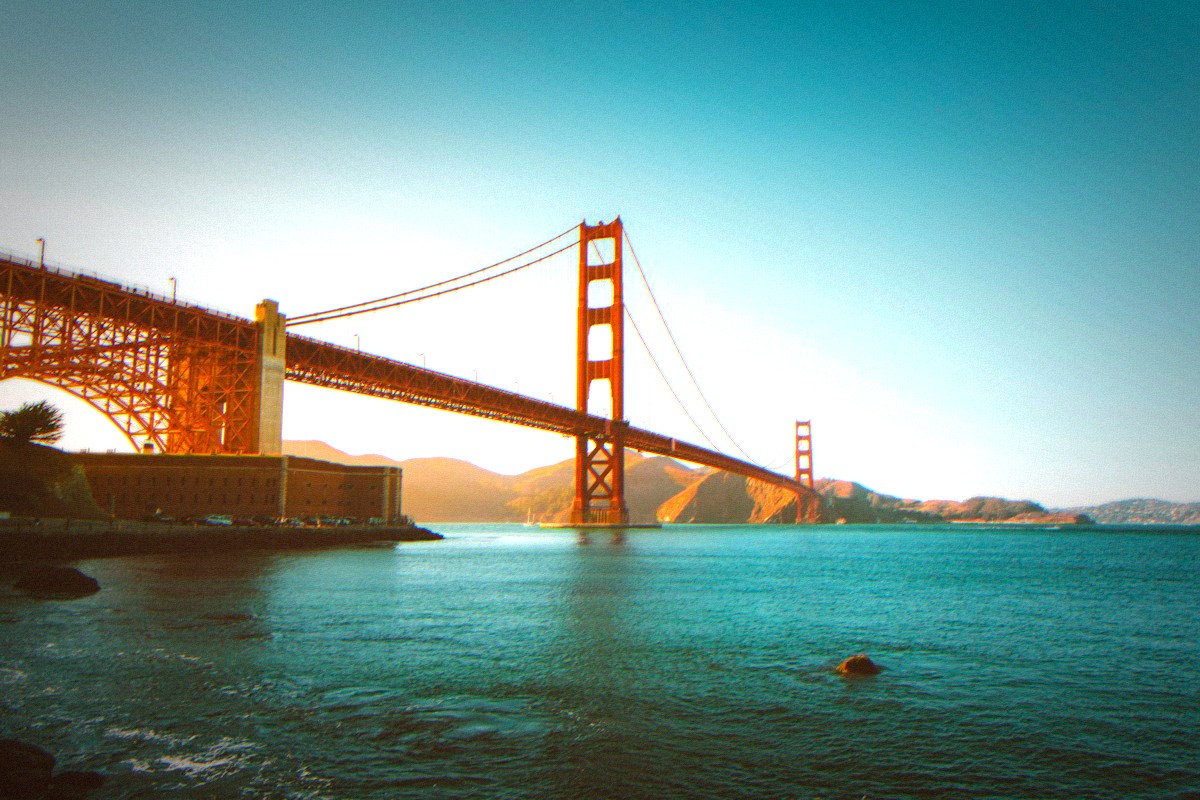
Sample scene rendered with the Classic strength and Flash on — drag the slider to compare.
How it works
- 1
Upload
JPG, PNG or WebP, up to 10 MB. Selfies and party shots are perfect.
- 2
Pick the strength
Light, Classic or Heavy — and toggle Flash on for the hard direct-flash look.
- 3
Download
JPG or PNG, up to 4096 pixels on the longest side. No watermark.
What the filter actually changes
Direct flash
Hard frontal light with blown highlights — the built-in flash of a pocket digital camera.
Faded contrast
Lifted shadows and slightly compressed range: a digital fade, not a film one.
Color shift
White balance leaning cyan and magenta — the plastic cast of early digital sensors.
Boosted saturation
Loud on purpose. Where retro-camera looks stay restrained, Y2K goes over-saturated.
Film grain + chroma noise
Monochrome grain plus colored noise, both tied to the strength you pick.
Mirror selfie flip
An optional horizontal flip, for that mirrored flash-selfie feel from a Y2K digicam.
What a Y2K Filter Actually Does
A Y2K filter pushes a photo toward the visual language of the early 2000s: hard direct flash, colors that are slightly too loud, a plastic color cast, and grain over everything. It is the aesthetic of pocket digital cameras, mirrored selfies and low-resolution screens — the look a whole generation now associates with parties, mall trips and simpler internet. Where a general retro filter softens, a Y2K filter asserts: more flash, more saturation, more attitude.
A Y2K Filter Online — No App to Download
Search for a Y2K filter and the first results are app stores. You don't need any of them. This page runs the full effect the moment it loads — nothing to install, no storage used, no account, no permissions beyond the photo you pick. On a phone it behaves like an app; on a desktop it just works. That shorter path — open, tap, download — is the entire reason this tool exists.
Instant, and Nothing Uploaded
The filter runs inside your browser with WebGL. Your photo is processed on your device and never uploaded, queued or emailed — unlike tools that send photos to a rendering server and make you wait. It is one of the browser-based looks in our free photo filter collection.
Works on iPhone, Android and Desktop
The tool is designed for phone and desktop browsers: large tap targets, a compare slider you can drag with a thumb, and downloads that save to your browser downloads or Files app. You can then save it to Photos. Downloads have no watermark and are capped at 4096 pixels on the longest side, depending on your device.